Draft — being checked against the app
Addenda and corrections
Add to or correct a signed report, see its version history, and move a study filed against the wrong patient.
Once a report is signed it can't be edited in place. To change it, you add an addendum or make a correction. Either way, Clarirad sends the change to everyone who received the report.
Addendum or correction?
- Add an addendum adds text to the end of the report. The signed wording is never changed.
- Correct the report replaces the content. The report is marked Corrected.
Changing a signed report
- Open Results and click the report.
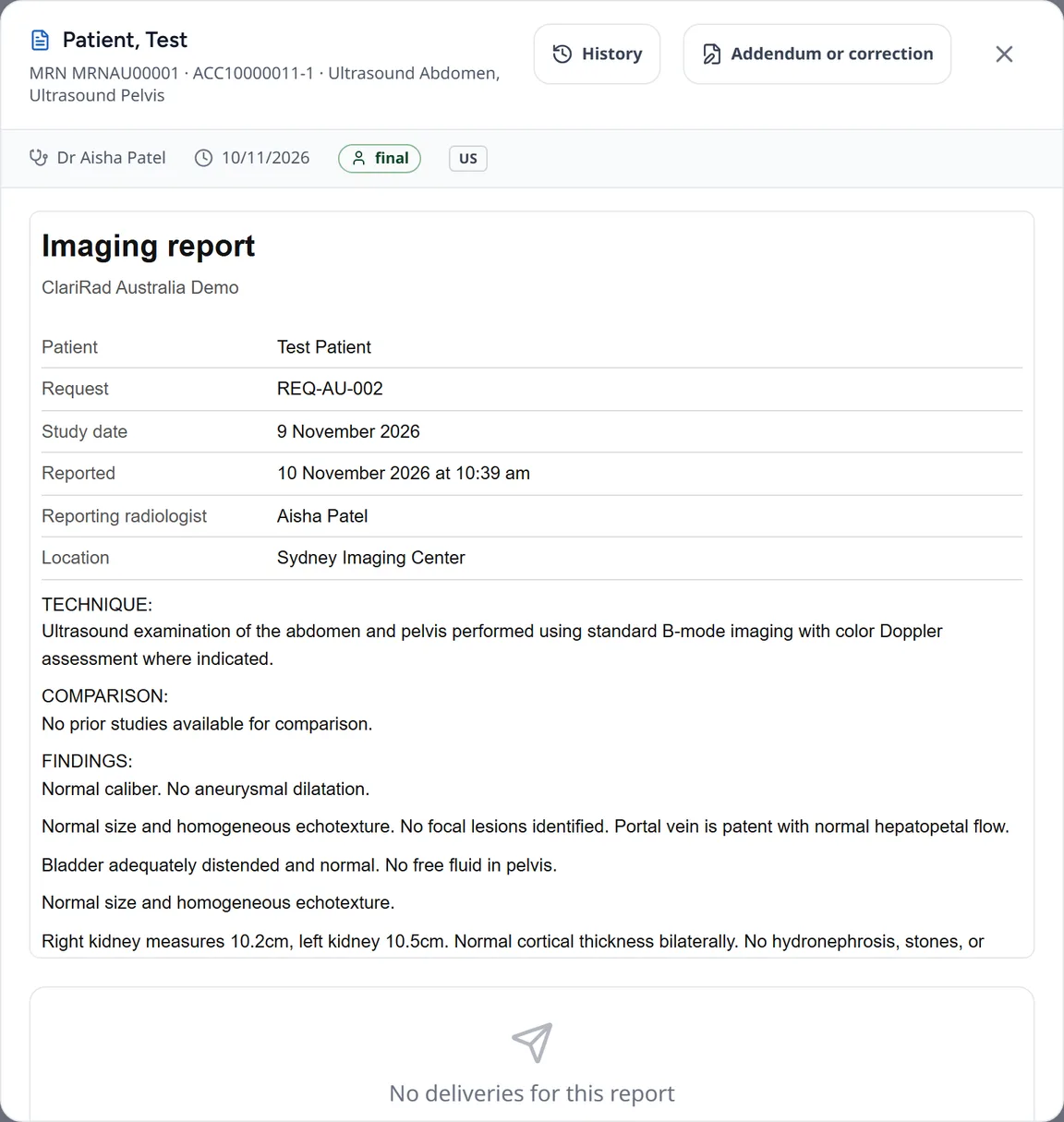
- Press Addendum or correction. The Change a signed report page opens.
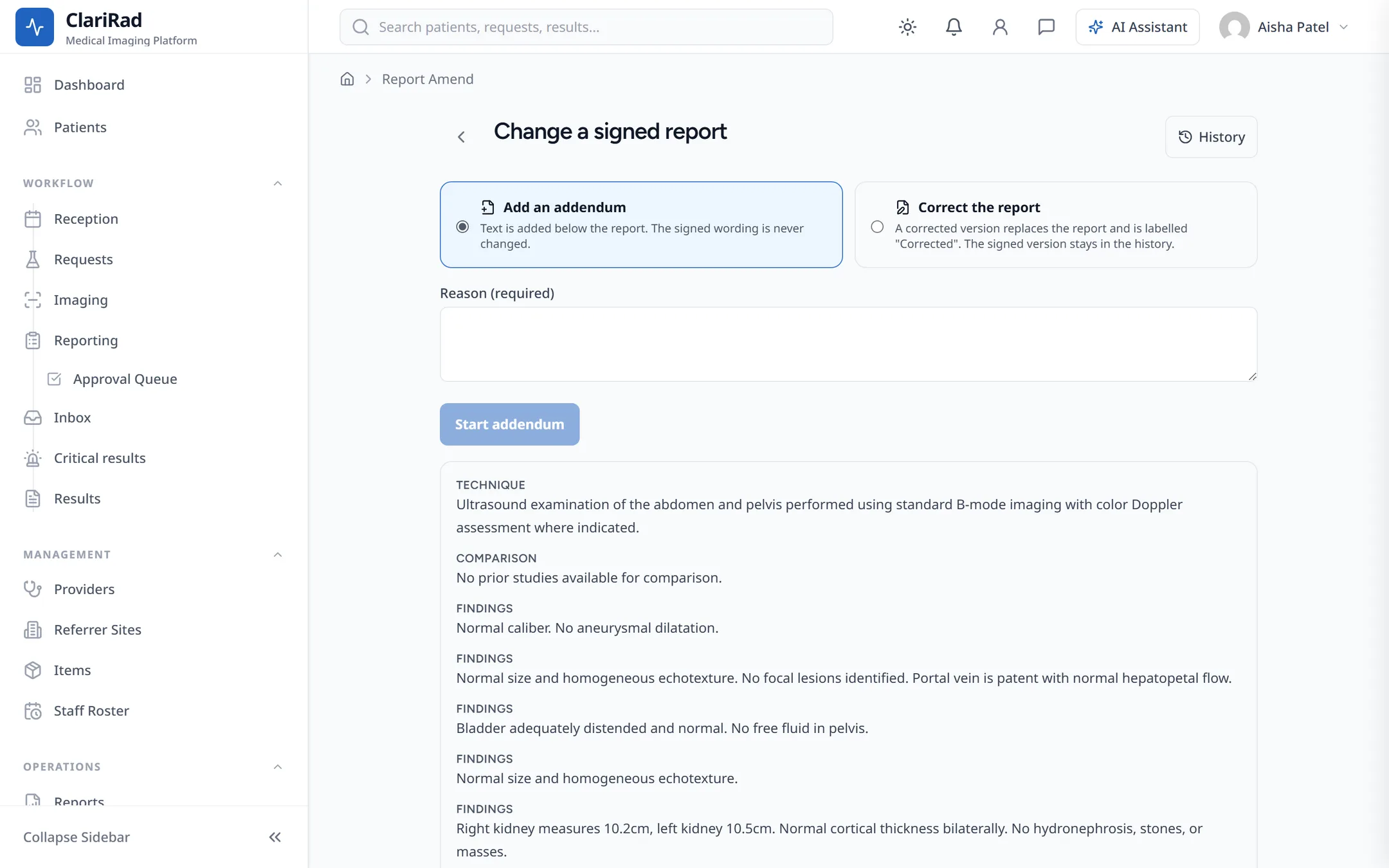
- Choose Add an addendum or Correct the report, and enter the reason (it is required).
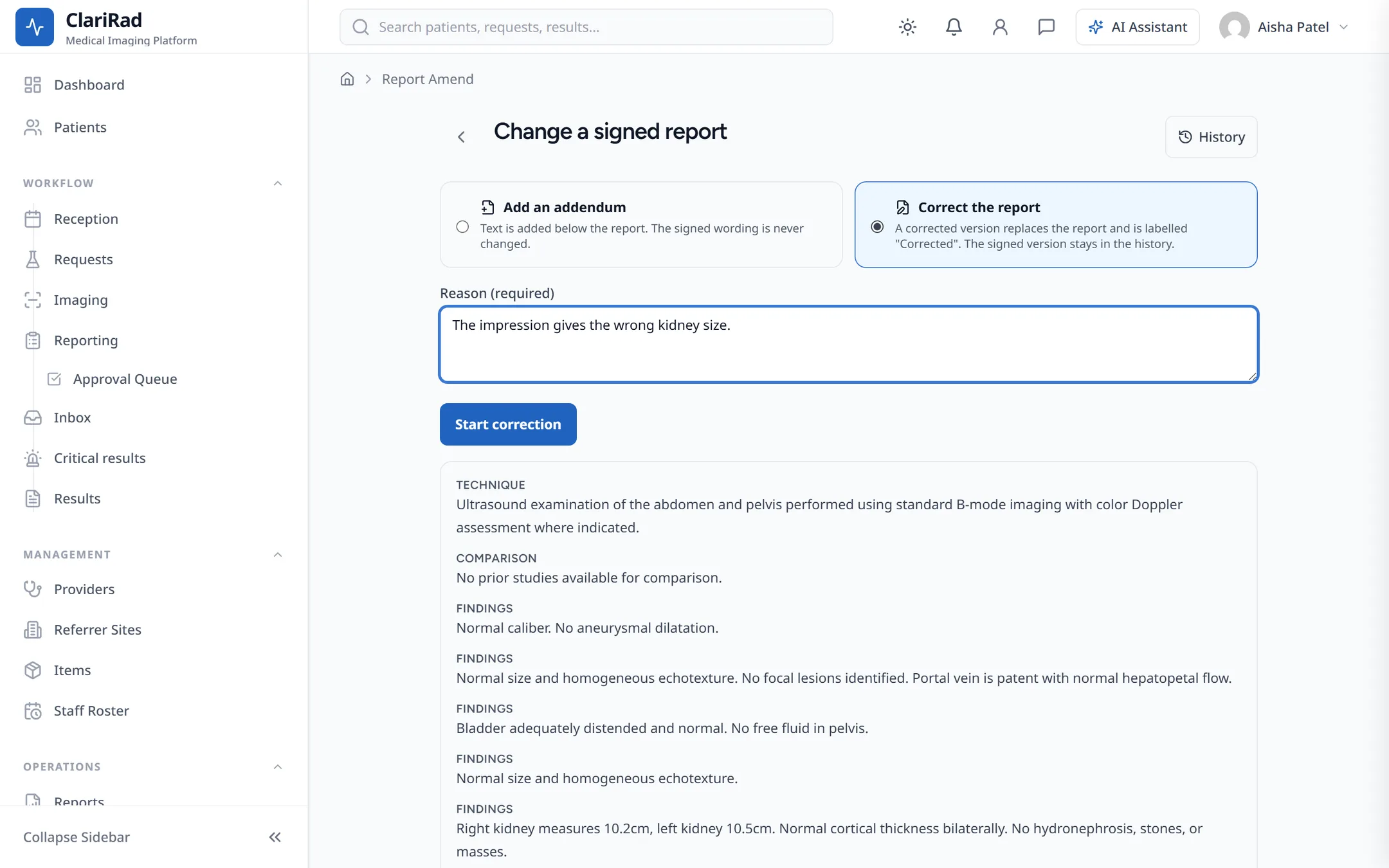
- Press Start addendum or Start correction and write the change. Your draft saves automatically.
- Tick This is a new critical finding if it is.
- Press Sign addendum or Sign correction.
To give up without changing anything, choose Cancel and keep the signed report.
After you sign, the addendum or correction goes to everyone who had the report. A new critical finding opens a critical result (see Critical results and escalation).
Who can change a signed report
Consultant radiologists and senior radiologists. Admins and practice managers see Ask the radiologist to change it instead. If another radiologist is already amending the report, you see Another radiologist is amending this report.
Version history
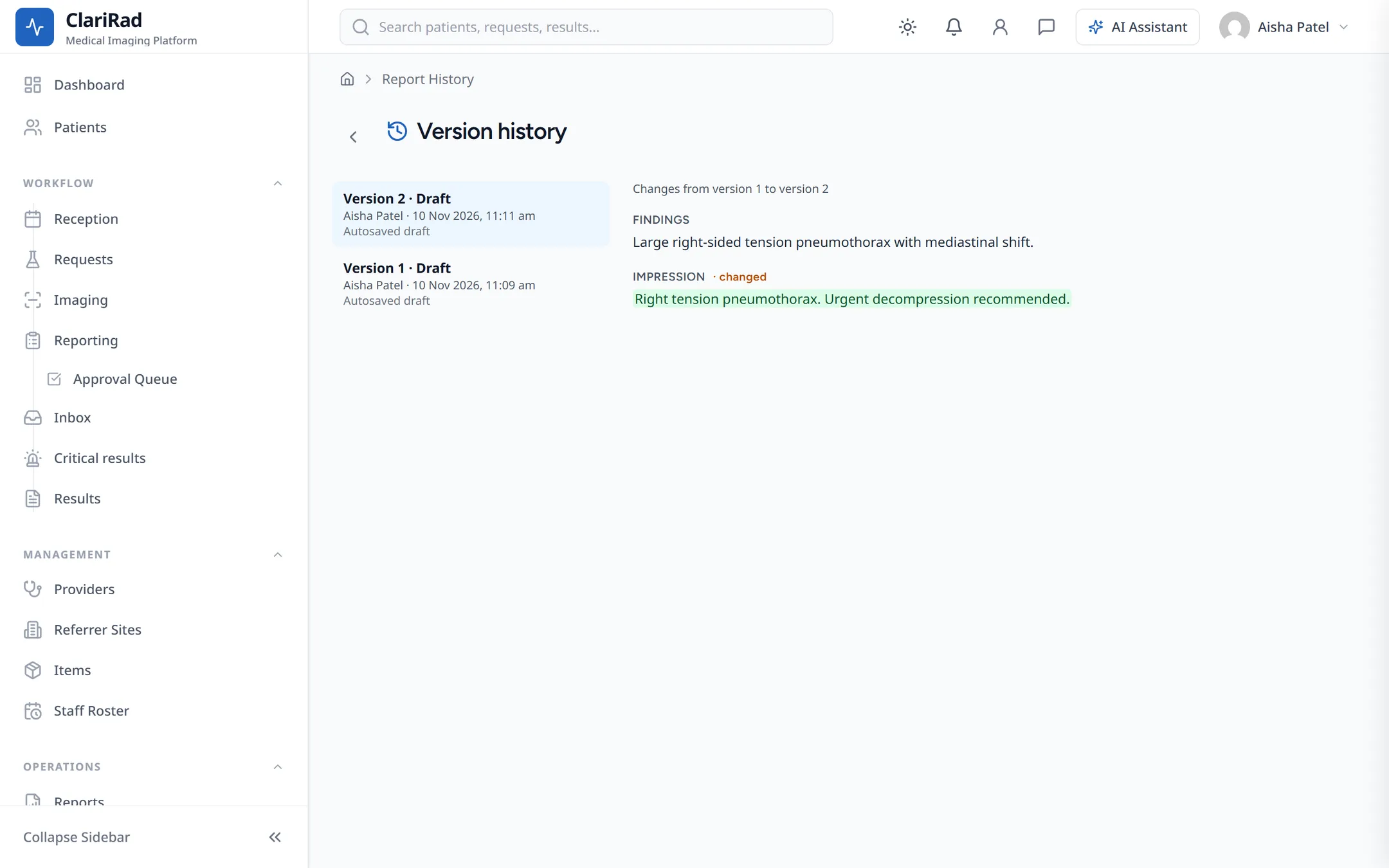
Press History on a report to see its Version history. It lists each saved version and what changed.
Study correction: a study under the wrong patient
Sometimes a study is scanned against the wrong patient's order. Study correction moves it to the right patient. It is a separate process from correcting report text, and it needs two people.
- On the request, press Move this study to the right patient's order, describe what happened, and press Ask for the correction.
- A different person opens it with Review and confirm, checks it, and presses Confirm and move the study.
Confirming voids any unsigned reports on the wrong patient and withdraws signed ones, and everyone they reached is told. If the right patient doesn't have an order yet, the study is held aside until it is linked to one, again confirmed by a second person.
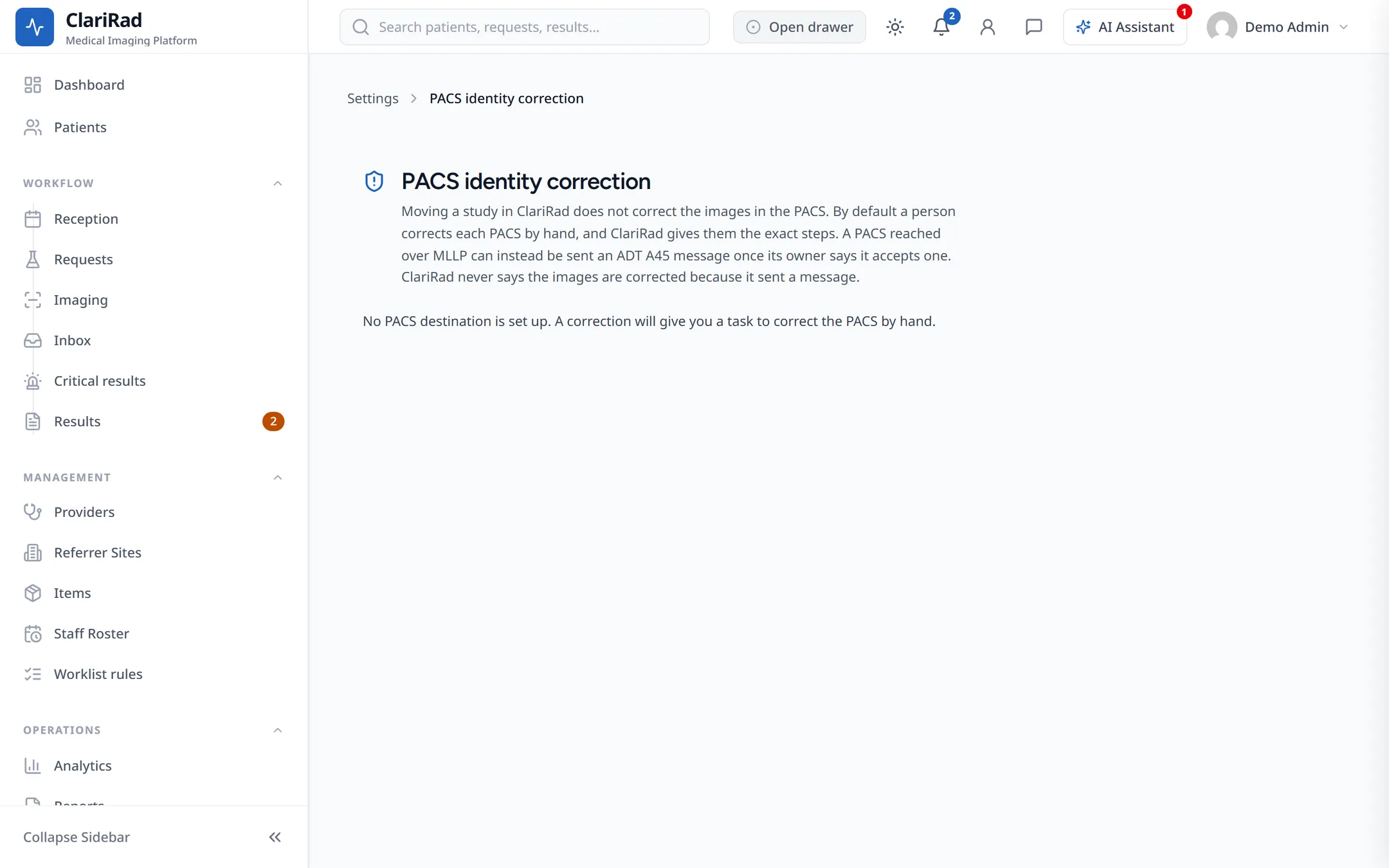
Anything still to fix by hand, such as the PACS or other receiving systems, is listed under Still to do. Close each item when it's done.