Draft — being checked against the app
The cash drawer
Open and close a site's cash drawer, record cash drops, and balance at the end of the day.
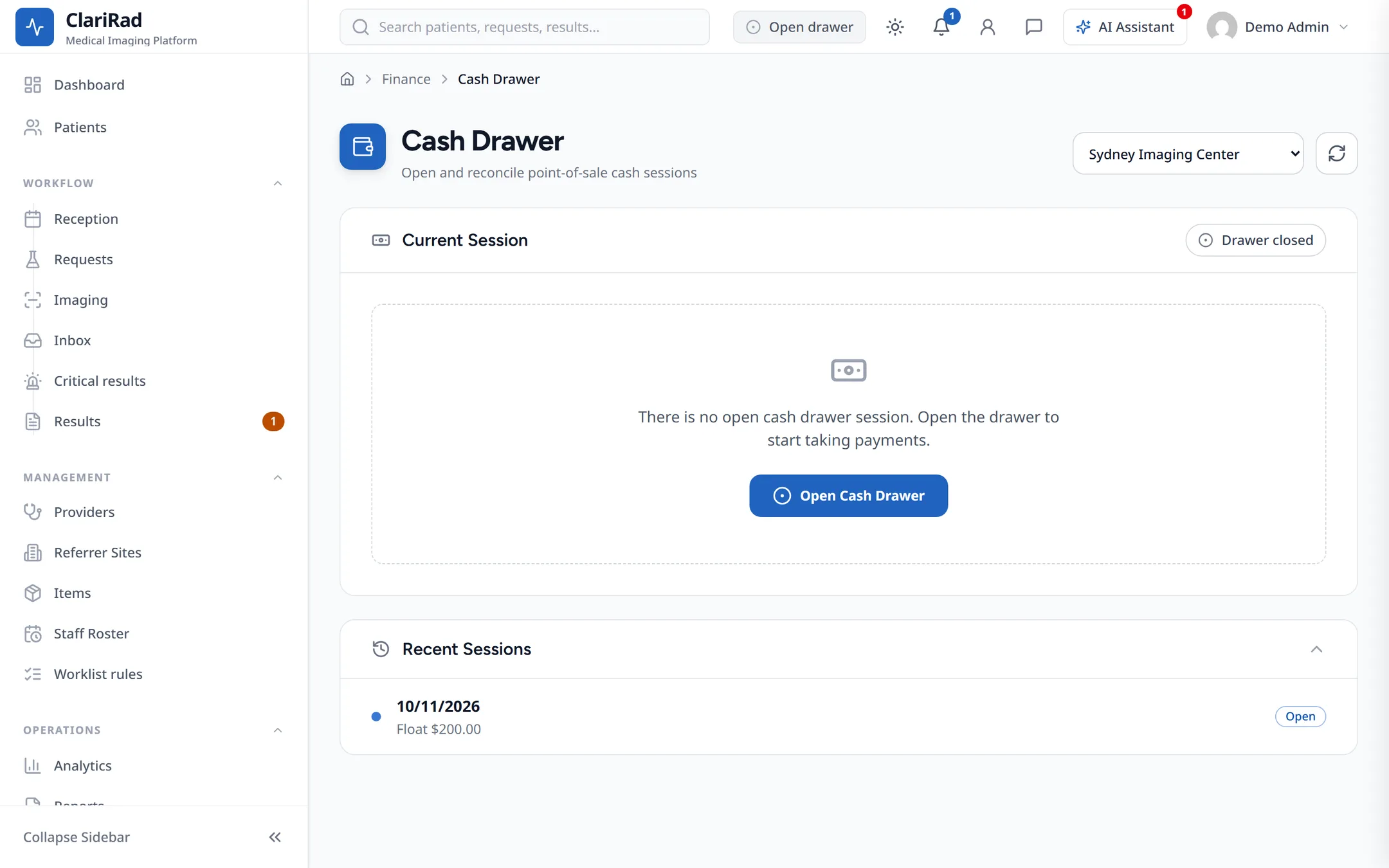
The cash drawer keeps track of the cash taken at a site during a session, usually a day, so you can balance the till when you close. Open it from Finance, Cash Drawer.
Opening the drawer
- Press Open Cash Drawer.
- Enter the float you are starting with.
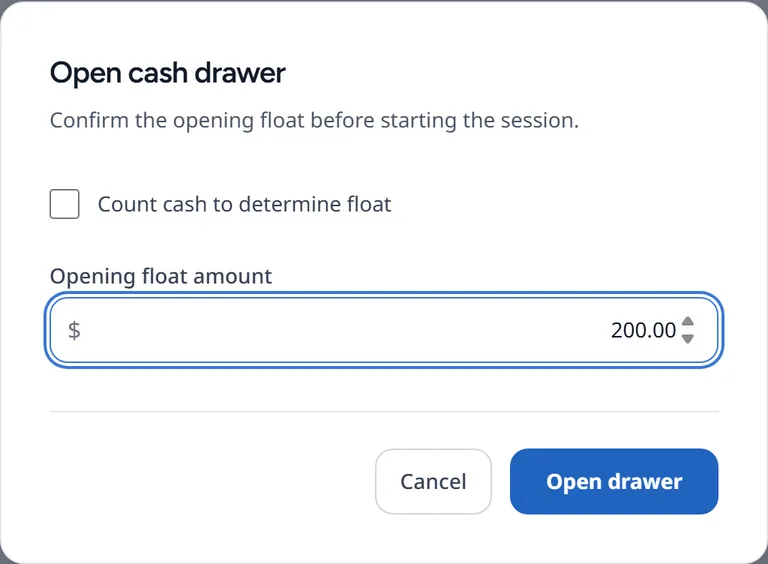
- Start taking payments.
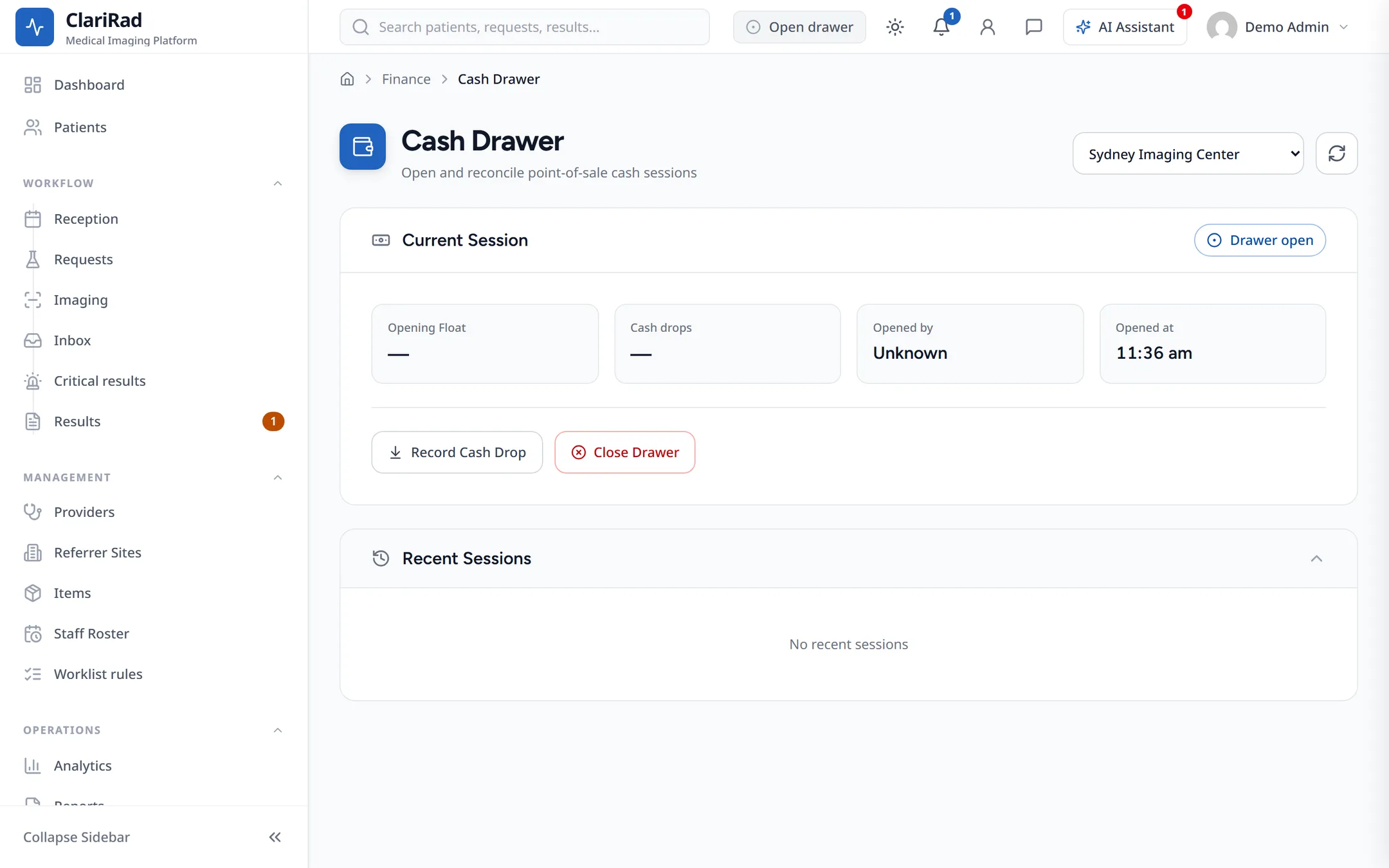
Each site can have one drawer session open at a time. If one is already open you see A cash drawer session is already open for this site.
During the day
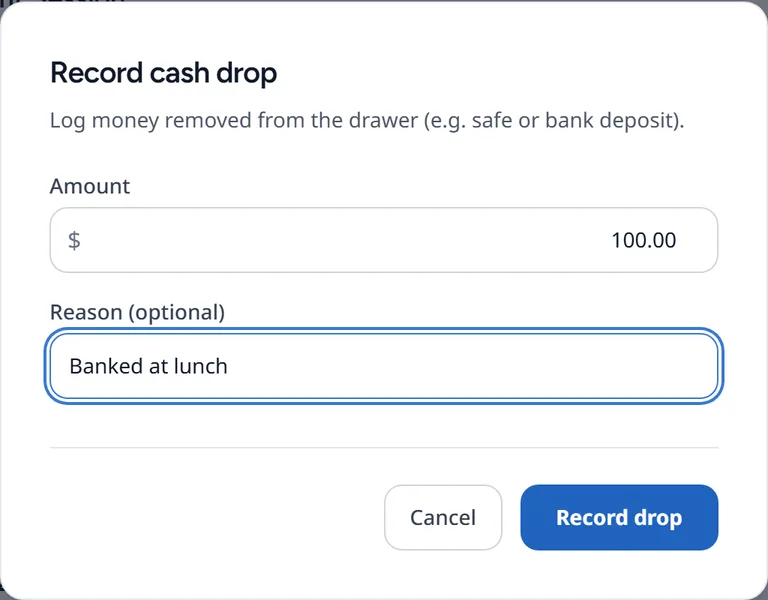
Cash payments taken at the site are counted against the open session. When you take cash out of the drawer, for example to bank it, press Record Cash Drop and enter the amount so the expected total stays right.
Closing the drawer
- Count the cash in the drawer.
- Press Close Drawer and enter your count.
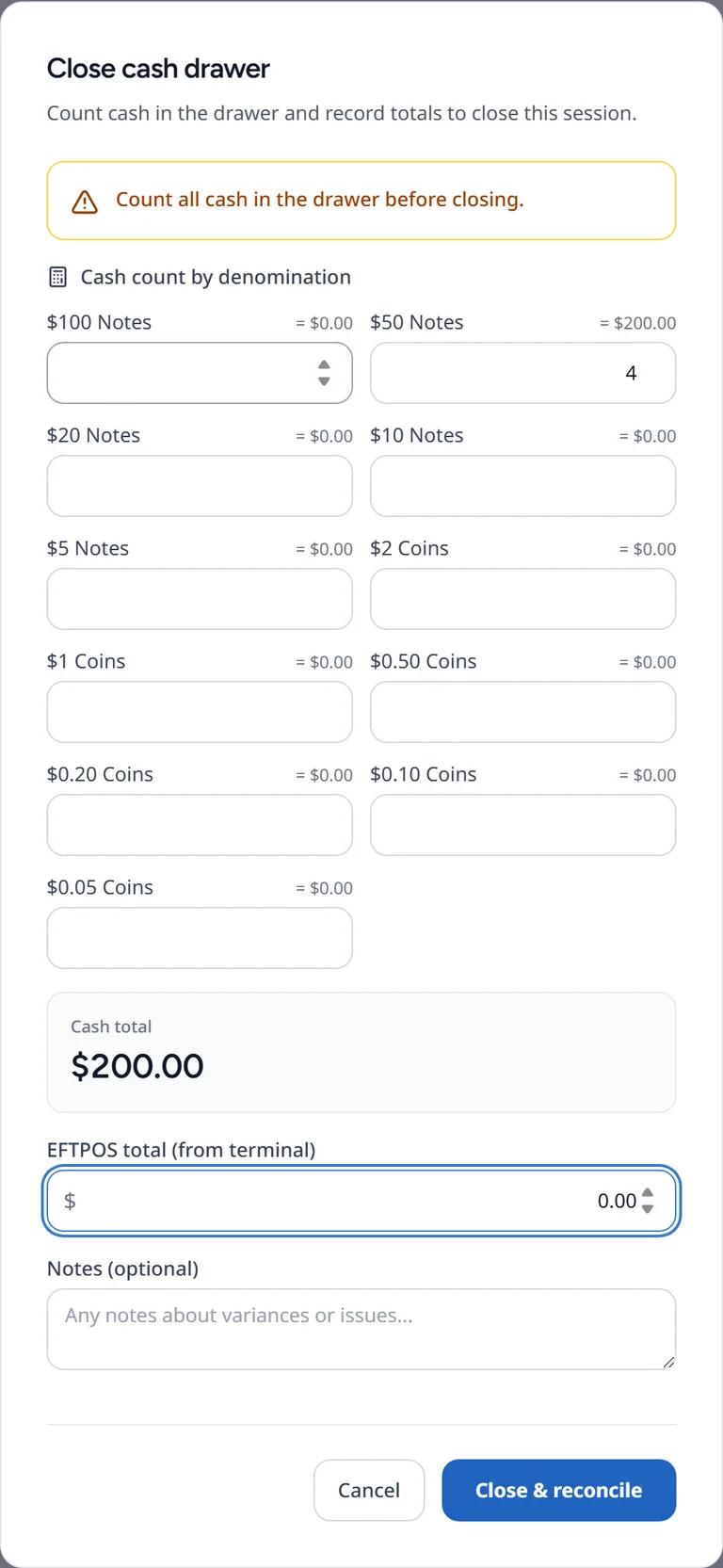
- Check the result and close the session.
Clarirad works out the expected cash as:
- the float, plus
- cash payments taken at the site during the session, less
- cash refunds, less
- cash drops.
The close screen shows the expected cash, the variance, any EFTPOS variance, and whether the drawer is Balanced, Over or Short.
Past sessions
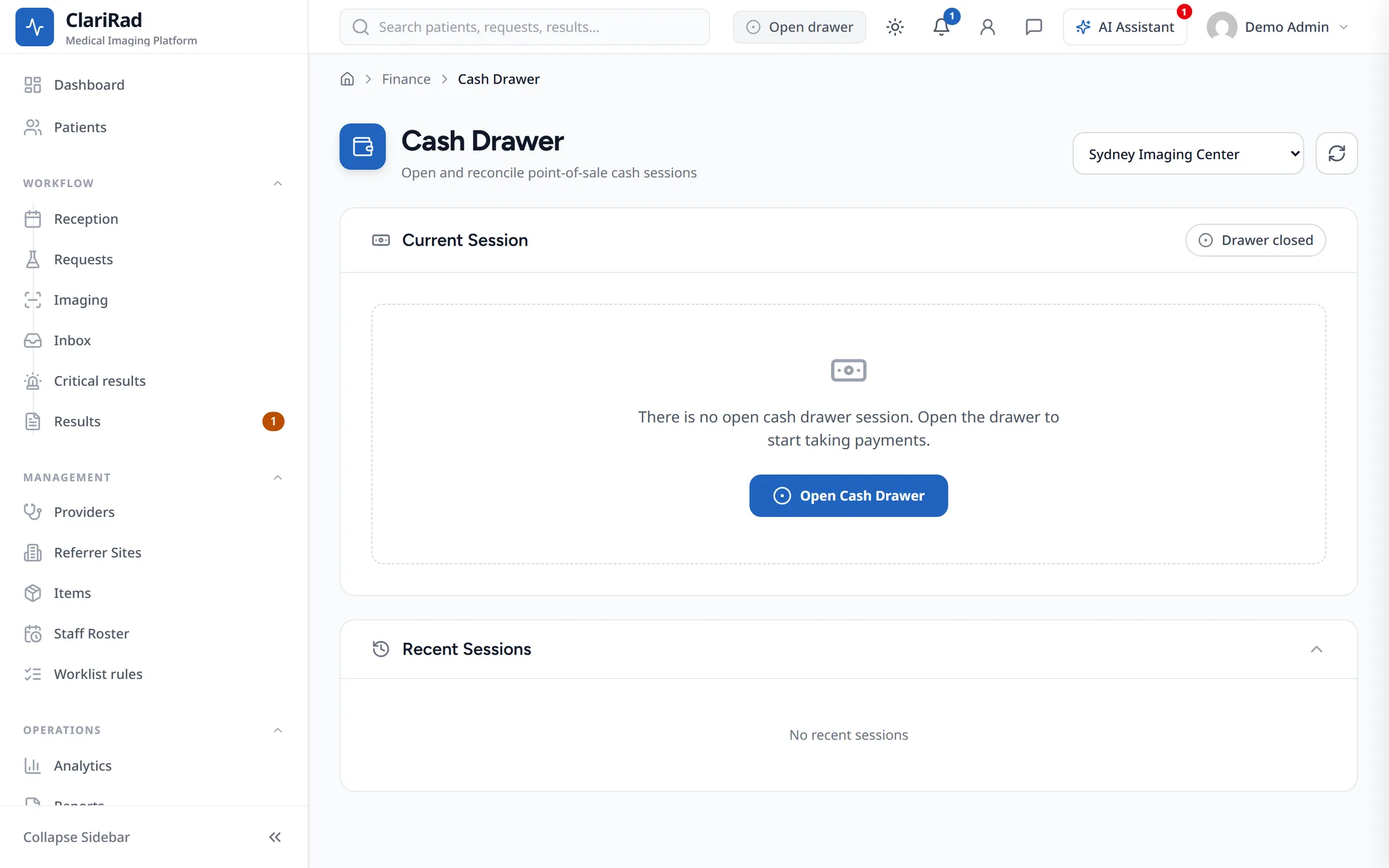
Recent Sessions lists earlier sessions with their totals and variances.