Draft — being checked against the app
The AI Agent
Ask the built-in assistant to look things up, and how it checks with you before changing anything.
The AI Agent is an assistant built into Clarirad. It can find patients and appointments, answer questions about requests and results, explain how a screen works, and help when something has gone wrong. It works only within your practice's records and your own permissions.
Opening it
- Choose 'AI Assistant', the button with the sparkle, at the top of any page. A panel opens on the right.
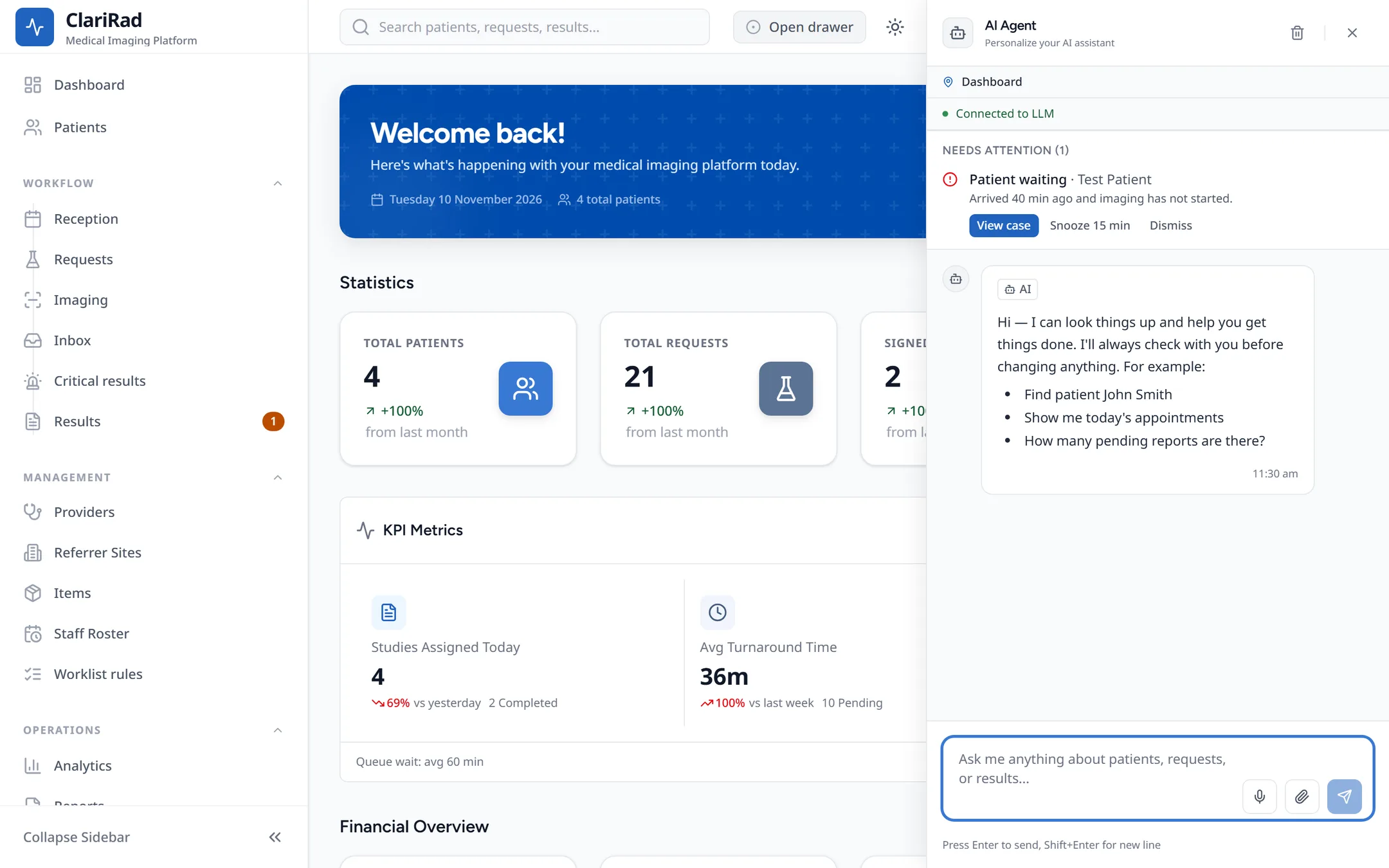
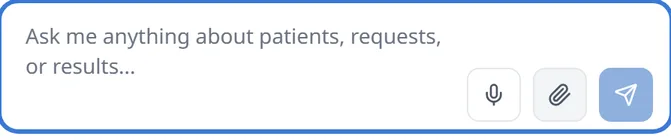
- Type your question where it says 'Ask me anything about patients, requests, or results...' and press Enter. Shift+Enter starts a new line.
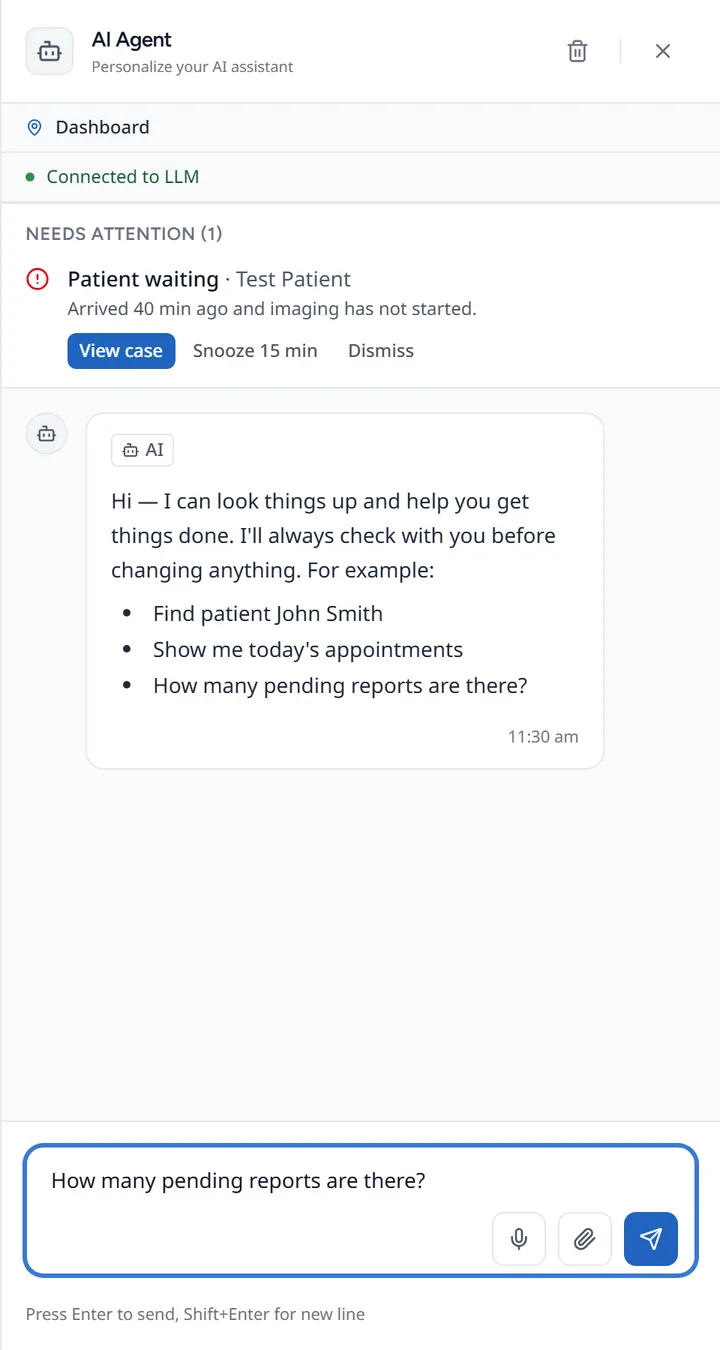
- You can also dictate with the microphone, or attach a text, Markdown, JSON or CSV file.
Things you might ask:
- 'Find patient John Smith'
- 'Show me today's appointments'
- 'How many pending reports are there?'
- 'How do I cancel an appointment?'
The assistant knows which page you are on, so 'this patient' means the patient you have open. When it uses records to answer, it says which ones. When you ask how to do something, it answers from these help pages and links to the page it used.
It asks before changing anything
Looking things up happens straight away. Anything that would change data, or reach another clinic's records, stops first and shows 'Confirm before I do this'. Read what it is about to do, then choose 'Confirm' or 'Cancel'. If you cancel, nothing is changed.
When something has gone wrong
Tell the assistant what happened, for example a patient scanned under someone else's details, a wrong service billed, or a duplicate patient. It looks into it and explains what it finds. It can put a study on identity hold to stop it going out, and it can propose some billing corrections for a person to approve. It never fixes a record by itself. If it cannot help, or you ask for a person, it opens a support case with Clarirad support and tells you the case is open.
Needs attention
A coloured dot on the sparkle button counts items that need you, such as a patient who arrived a while ago and has not been imaged, a Medicare card on file that has expired, or a stuck print queue. They are listed at the top of the panel. Each one has a button to go to it, plus 'Snooze 15 min' and 'Dismiss' (or 'Mark done').