Draft — being checked against the app
Medicare Online claims
How bulk-bill claims are lodged with Medicare, how to follow them, and how to fix a rejected claim.
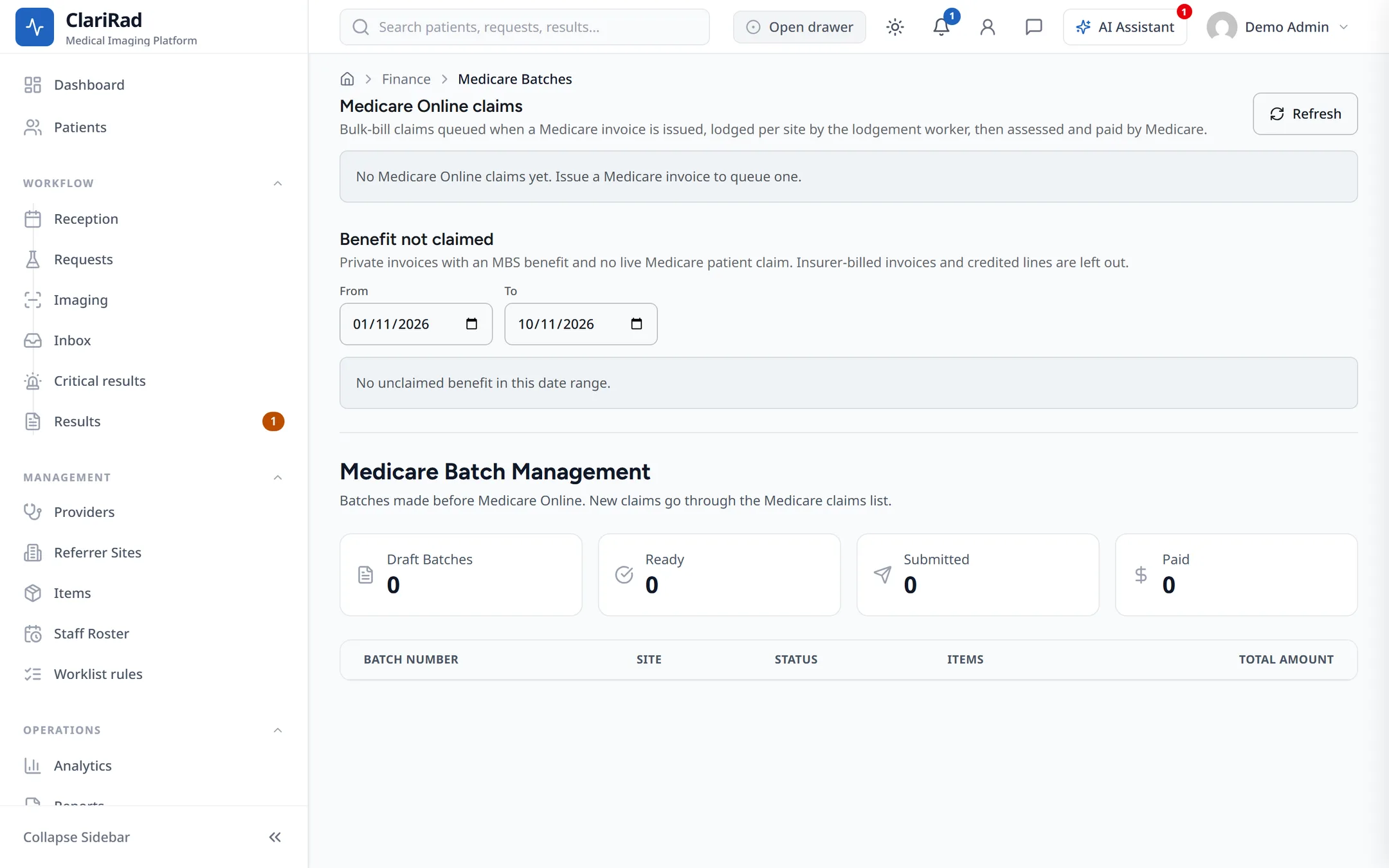
When a bulk-bill invoice is issued, Clarirad queues a claim and lodges it with Medicare. You follow the claims in Finance, Medicare batches, in the Medicare Online claims section.
Before you start
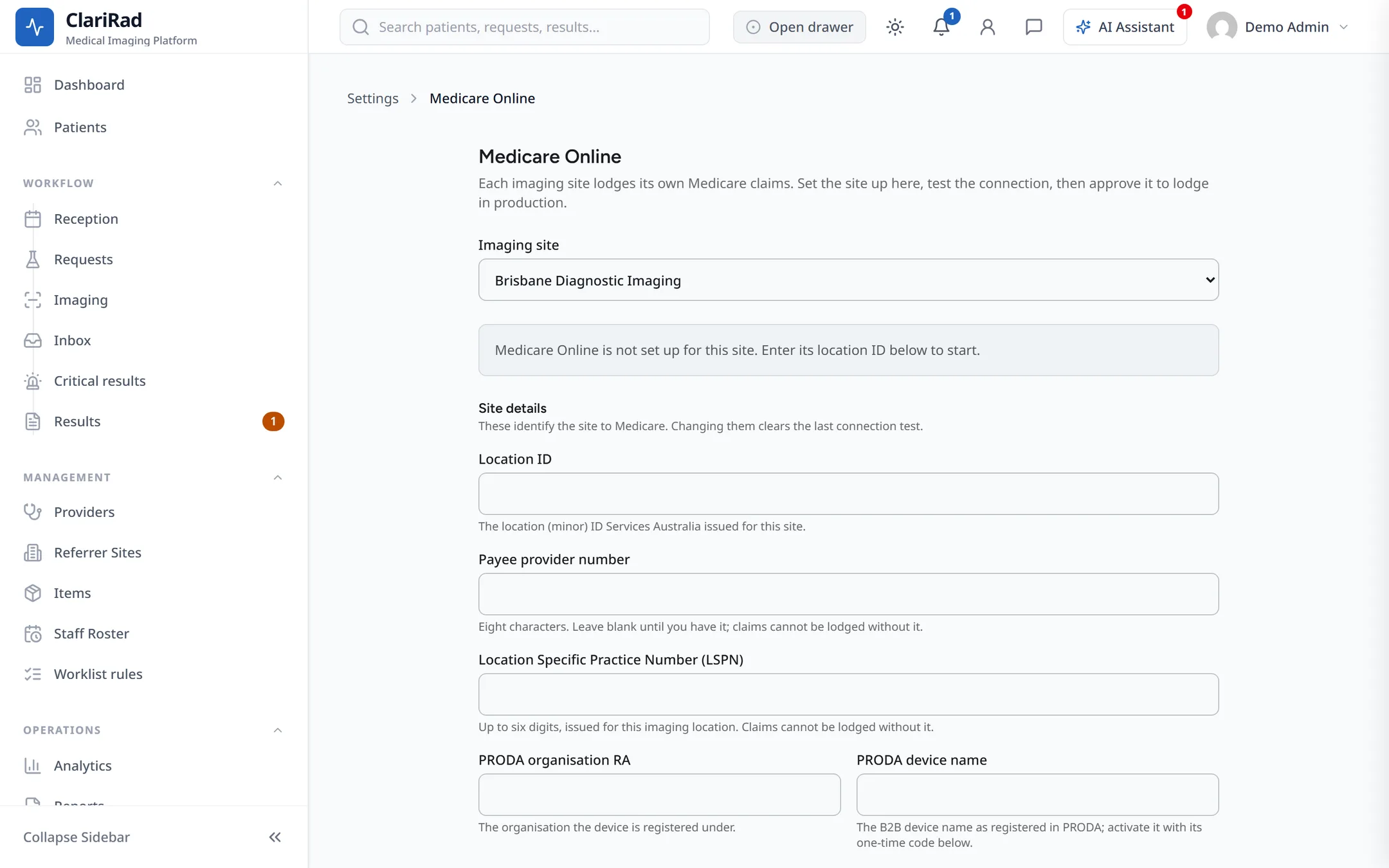
Each site lodges with its own Medicare device. Admins set this up per site under Settings, Medicare Online: register the PRODA device, press Activate device, and approve the site for production lodging.
Following a claim
Each claim shows its invoice, status, the benefit Medicare assessed, the payment, and when it was queued with the number of attempts. The statuses are:
- Queued: waiting to be sent.
- Lodged: sent to Medicare.
- Assessed: Medicare has assessed the benefit.
- Paid: the benefit has been paid in a payment run.
- Needs attention: Medicare rejected the claim or something must be fixed.
- Gave up: Clarirad stopped retrying.
- Deleted, Cancelled, and Lodged by hand.
The payment column shows Pending payment, Paid in run followed by the run, or Payment not applied.
Press Check now to ask Medicare for the latest status. You can only check a claim once every five minutes.
Fixing a rejected claim
- Open the claim. Medicare's reason code and explanation are shown, with the previous attempt.
- Fix the cause on the invoice or the patient, for example the Medicare card details or the item.
- Press Requeue to lodge the claim again.
If you lodged the claim another way, choose Lodged by hand and press Record lodgement so it isn't sent twice.
Patient claims
If patient claims are turned on, a claim lodged today can be removed with Delete today. You need the patient's authority to do this.
Benefits not yet claimed
The same page has a report of benefits that haven't been claimed yet, so nothing is missed.